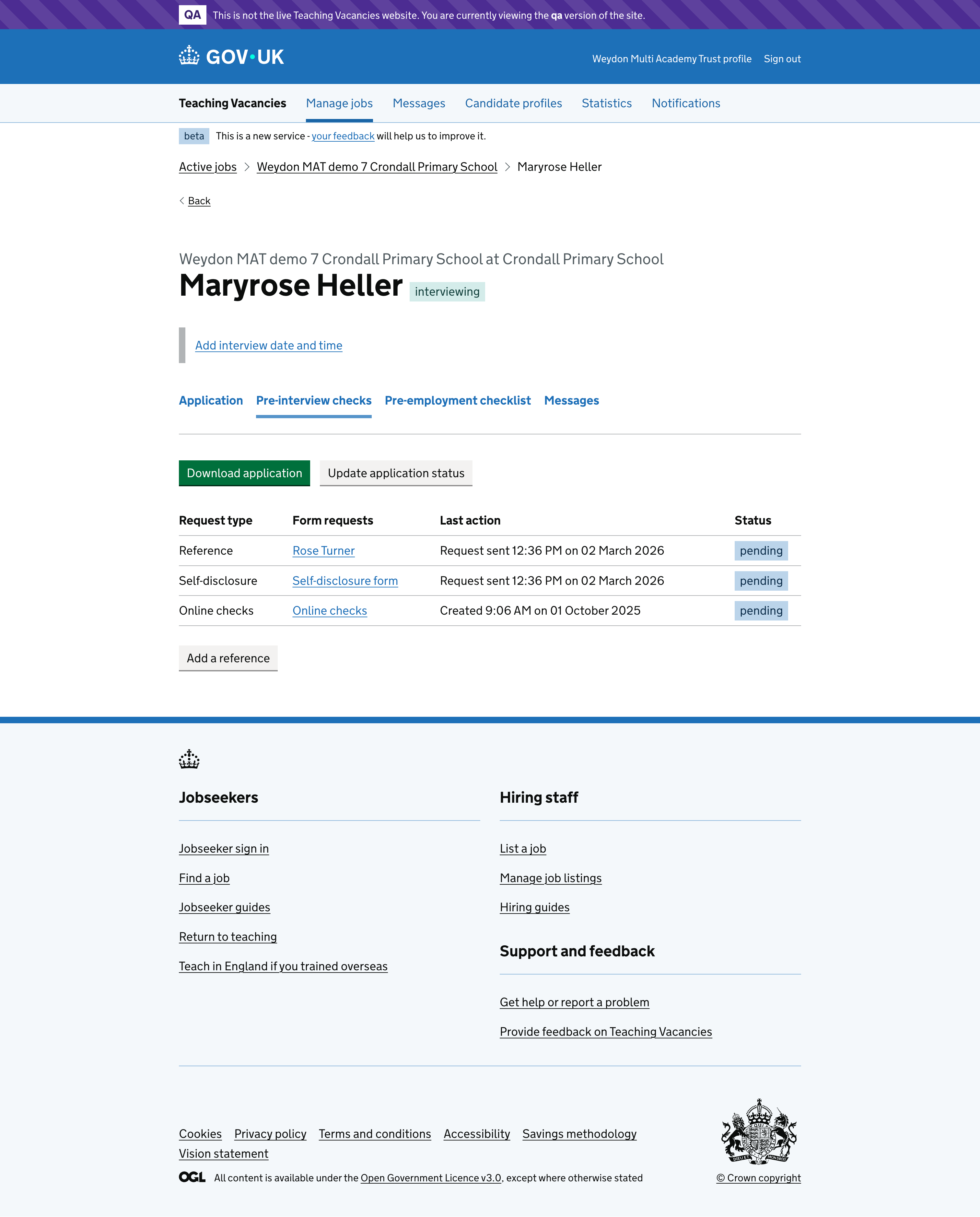
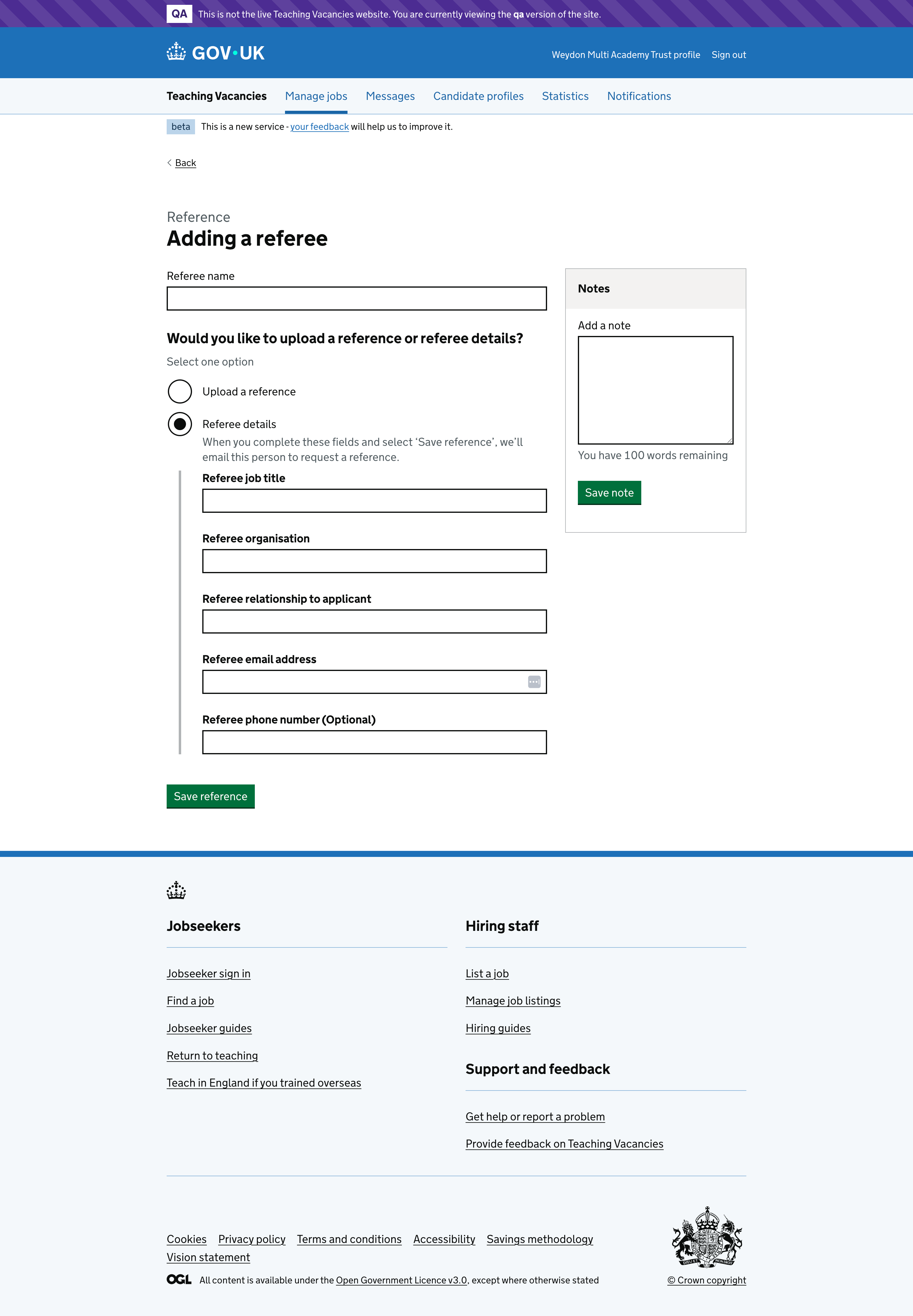
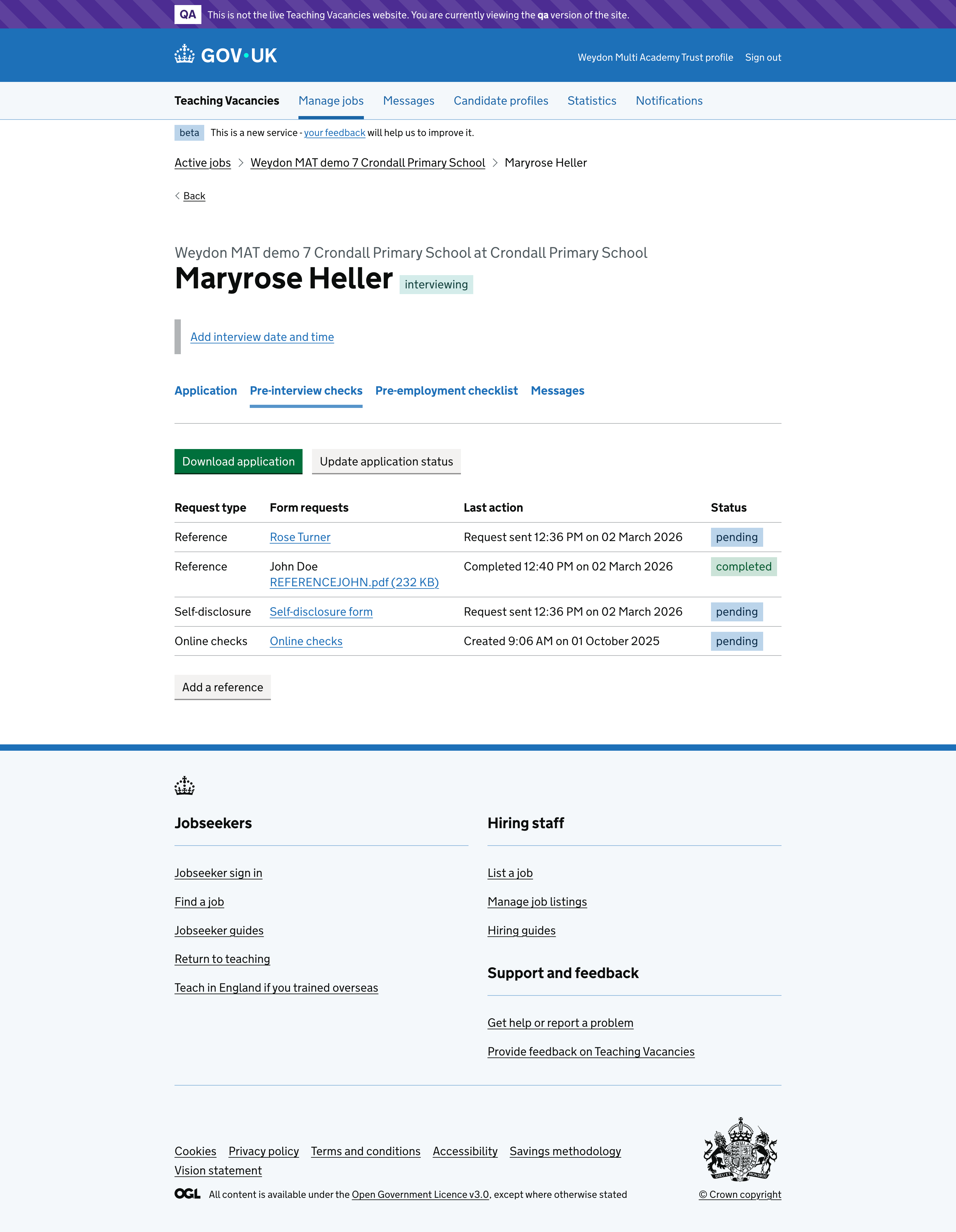
Hiring staff want to be able to track all references in one place within the ATS. While many references are collected through the service, some are gathered outside of Teaching Vacancies, for example, via email or paper forms.
Currently, there is no way for hiring staff to record these externally collected references in the service. This means reference information can be fragmented, making it harder to manage pre-interview checks consistently.
# What we’re changing
We’re adding a way for hiring staff to manually add a reference to a completed jobseeker application.
On the pre-interview checks tab, hiring staff can now manually add a reference by selecting the “Add a reference” button.
# User needs
Need HN002
ValidatedAs a hiring staff user
I need to be proactive in filling vacancies
So that I can find suitable candidates for jobs at my school
# Screenshots