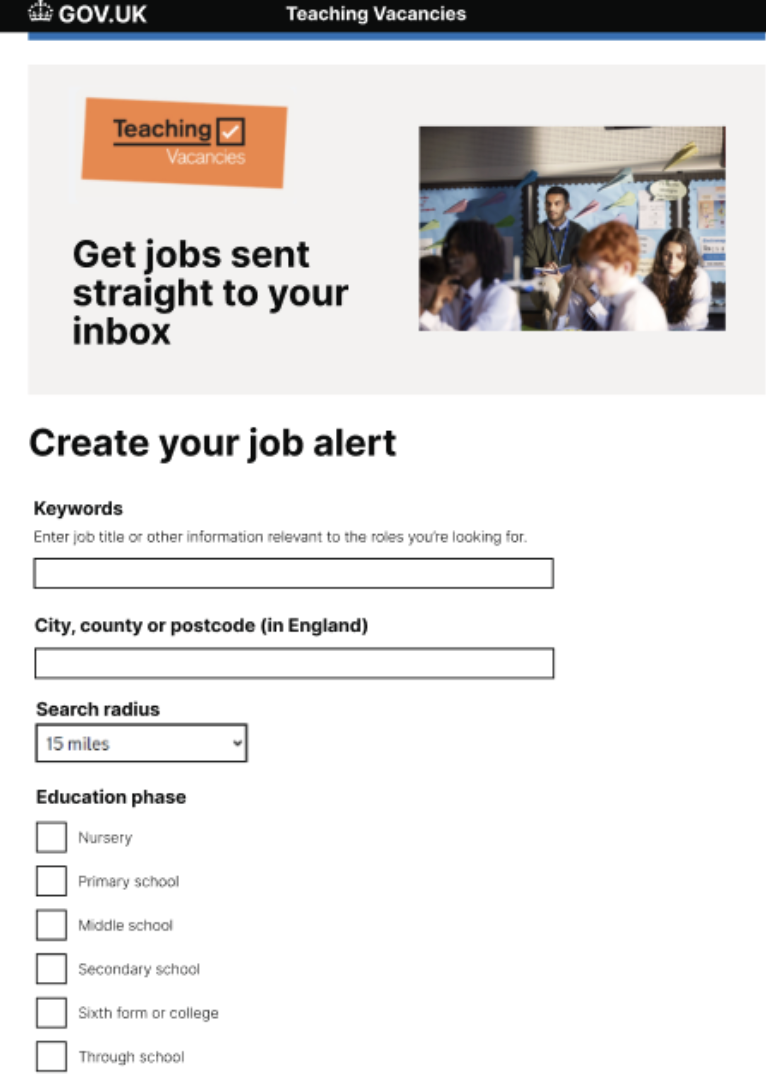
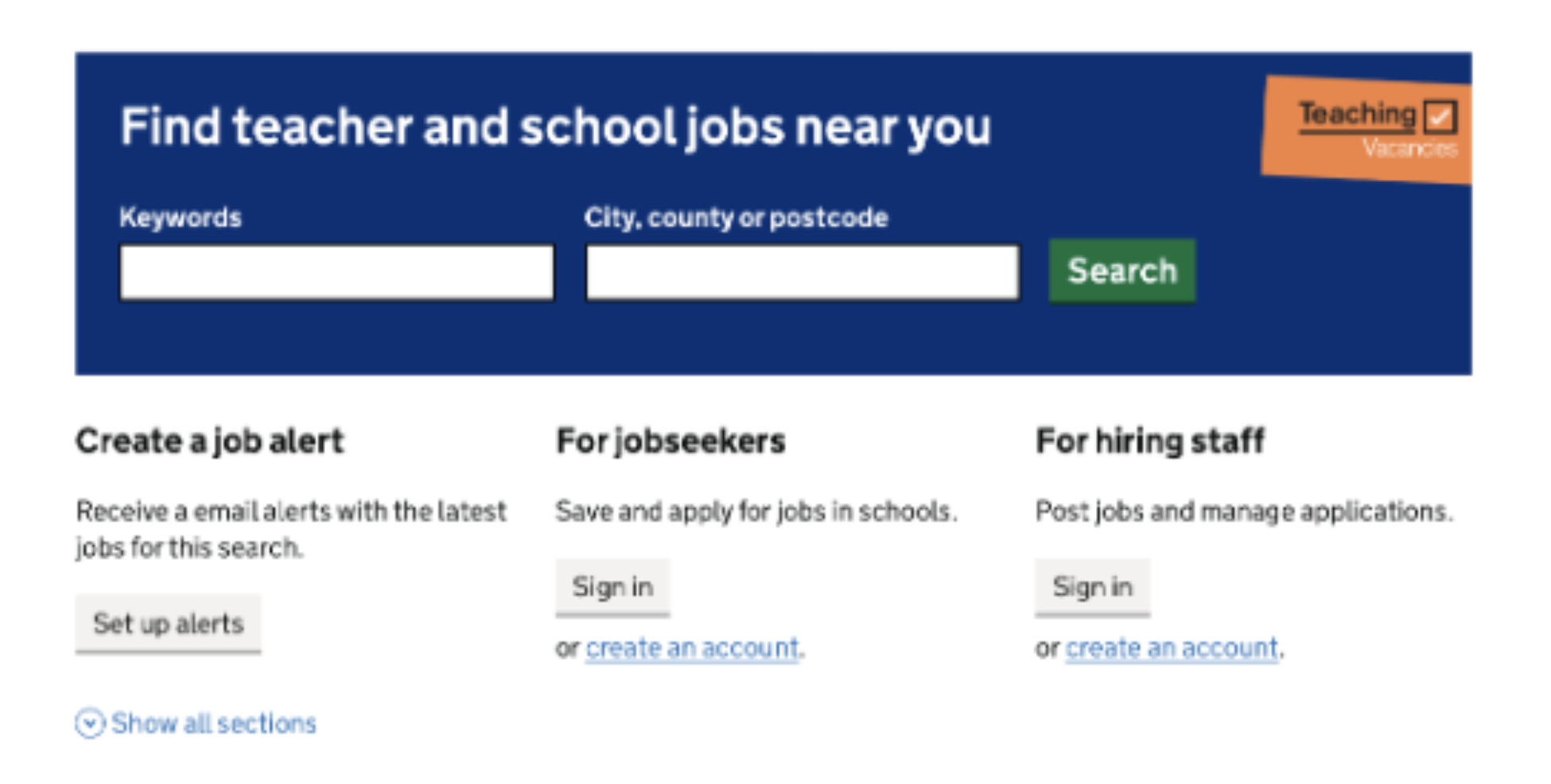
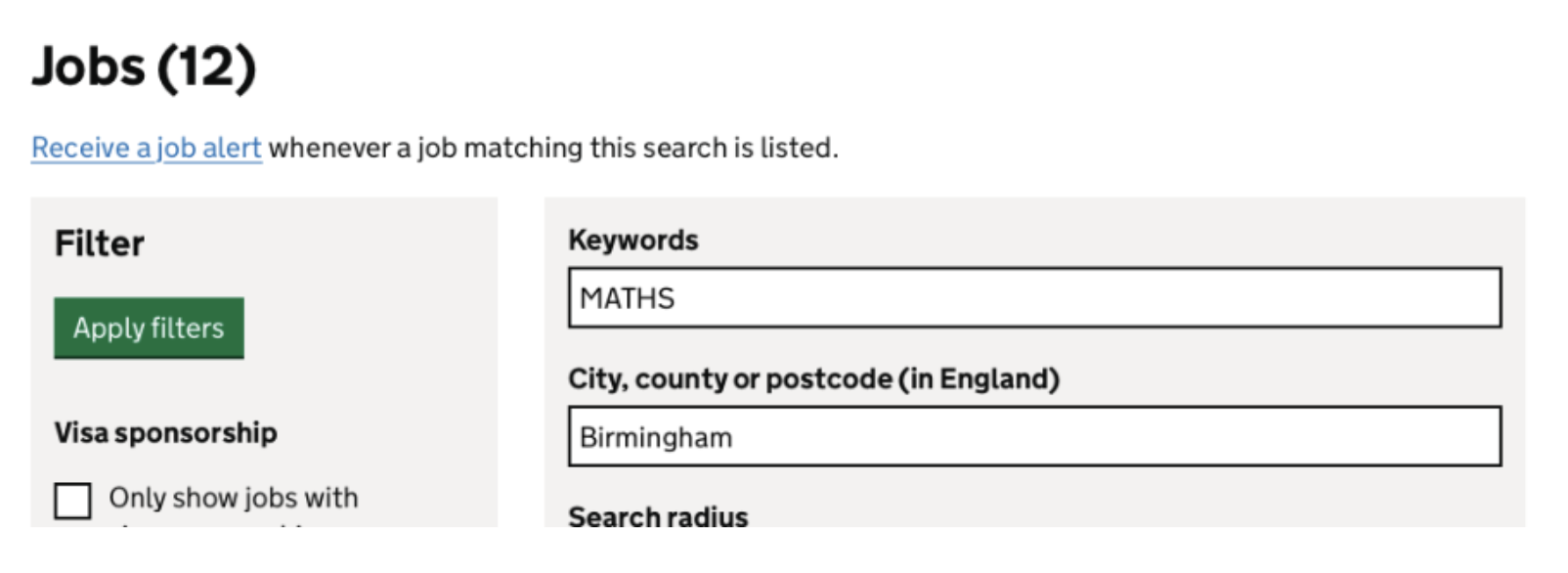
The job alerts feature is an important part of the Teaching Vacancies service, and we decided to review the sign-up page to see if we could make the design more appealing for jobseekers.
# Key findings
User research highlighted that:
- jobseekers struggled to locate the job alerts sign-up link through the home page when using a mobile device, as it was hidden behind a drop down in the navigation bar
- users found the service looked bland and most pages are similar in style
# Additional insights
We ran an AB test between our previous sign-up page design and the new sign-up page design to see if adding an image improved the appearance of the page.
The data showed a negligible difference during the AB test, but there was a higher bounce rate for the new design. The reason for the difference in bounce rate was unclear, but we think it could be that users saw the new design and realised that they were in the wrong place; or thought there was an issue with the page (as the loading speed of the banner image was slower than we would have liked!)
# What we have done
Based on the AB test results being negligible, we decided to:
- update our job alerts sign-up page to the new design
- review the image file sizes across the service to see if we could reduce any, to improve loading speed
- relocate the job alerts button on the home page to underneath the search bar, so it shows on the main screen from a mobile phone view
- relocate the job alerts button on the job search page to sit underneath the page heading
These changes should make our job alerts sign up form easier for jobseekers to locate, and more appealing from a design perspective.
Need HN001
ValidatedAs a hiring staff user
I need to be able to create a job listing
So that jobseekers can find jobs at my school
Need HN002
ValidatedAs a hiring staff user
I need to be proactive in filling vacancies
So that I can find suitable candidates for jobs at my school
# Screenshots